








Grow a Garden


Installs
100K+Category
SimulationContent Rating
Everyone
Screenshots
About This Game
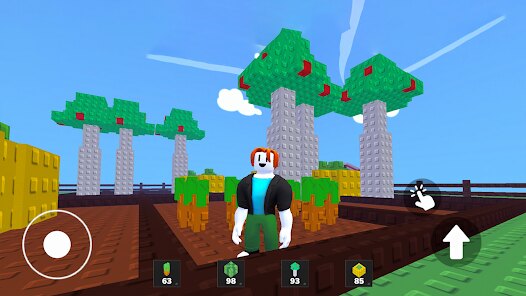
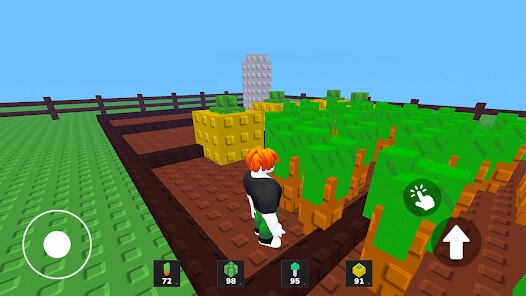
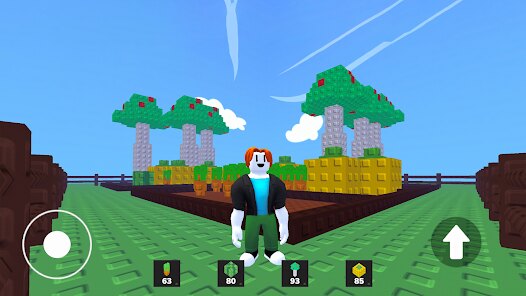
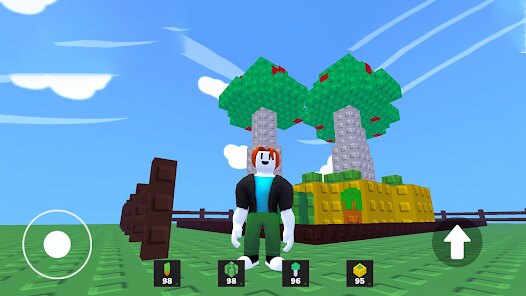
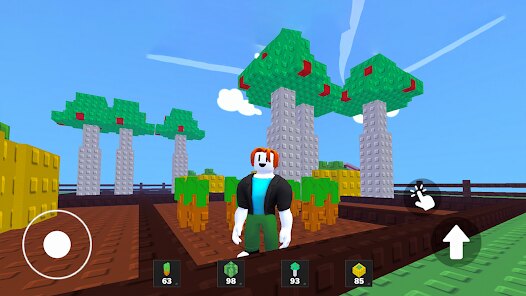
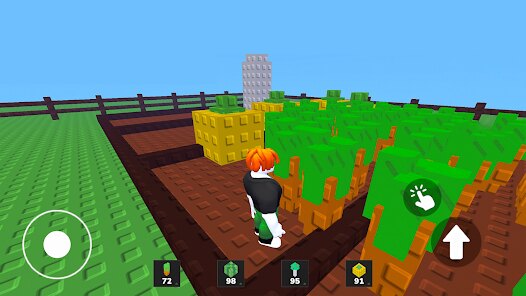
Gardening has never been this delightful or stress-free! Grow a Garden invites players into a vibrant and colorful world where nurturing plants and creating beautiful landscapes is both soothing and satisfying. The game cleverly blends elements of strategy and creativity, offering players the opportunity to design their dream garden while managing resources and time efficiently. Each plant and flower you grow feels like a personal achievement, making the experience incredibly rewarding for anyone who loves casual gaming.
What makes Grow a Garden so appealing is its intuitive gameplay and charming visual design. The controls are simple enough for new players to pick up quickly, yet the depth of customization ensures that seasoned players can stay engaged for hours. Whether you're planting seeds, arranging pathways, or unlocking new flora, every action contributes to the overall beauty of your virtual garden. It's the perfect game for unwinding after a long day.
Grow a Garden also stands out for its ability to create a sense of calm and accomplishment. Unlike more high-pressure games, this one encourages players to take their time and enjoy the process of growing something from scratch. The steady progression, combined with occasional challenges to keep things interesting, makes it a must-try for anyone looking to relax without sacrificing a sense of purpose in their gaming.
Similar Games You Should Try
For those who enjoy the peaceful yet engaging nature of Grow a Garden, Stardew Valley offers a similar sense of fulfillment. While it has a wider scope involving farming, relationships, and exploration, the joy of planting seeds and watching them flourish will feel familiar to fans of Grow a Garden. Both games share a focus on creativity and allow players to shape their own experiences.
Another fantastic option is Animal Crossing: New Horizons. Though it's more centered around building communities, the gardening aspect is a highlight for many players. Like Grow a Garden, it provides a serene escape where tasks like planting flowers and arranging landscapes are deeply satisfying. Both games excel at creating a relaxing yet engaging environment that feels like a breath of fresh air.
Tips For Beginners
Tip 1️⃣: Start small in Grow a Garden by focusing on a few plants rather than trying to fill your entire space immediately. This approach helps you manage your resources effectively while learning the game's mechanics at a comfortable pace.
Tip 2️⃣: Pay attention to the plant types in Grow a Garden and their specific needs. Some plants may thrive in shaded areas, while others need direct sunlight. Placing them in the right spots can make all the difference in your garden's success.
Tip 3️⃣: Don't overlook the value of decorative elements in Grow a Garden. Adding pathways, fences, and ornaments not only enhances the aesthetic appeal but can also boost your overall progress by unlocking new features.
Download the App
Disclaimer
1 . Mycolorgames does not represent any developer, nor is it the developer of any App or game.
2 . Mycolorgames provide screenshots, historical version Apk, links and other information, which we collected from Google Play. We will also add our own reviews to provide users with more information to choose.
3 . All trademarks, registered trademarks, product names and company names or logos appearing on the site are the property of their respective owners.
4 . Mycolorgames abides by the federal Digital Millennium Copyright Act (DMCA) by responding to notices of alleged infringement that complies with the DMCA and other applicable laws.
5 . We guarantee the security of apk files downloaded from our site and also provide the official download link at Google Play Store and App Store.
6 . If you are the owner or copyright representative and want to delete your information, please contact us [email protected].
7 . All the information on this website is strictly observed all the terms and conditions of Google Ads Advertising policies and Google Unwanted Software policy.