










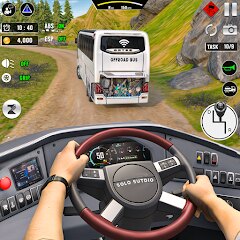

Real Bus Simulator : Bus Games


Installs
50M+Category
OfflineContent Rating
Everyone
Screenshots

Editor Reviews
From the independent mobile development house Solo Studio Inc comes Real Bus Simulator: Bus Games, a title that firmly plants itself in the casual simulation genre. While the studio may not be a household name, their focus on accessible, pick-up-and-play vehicle experiences is clear. This entry aims to capture the mundane yet oddly satisfying routine of a bus driver's life, translating it into a straightforward gaming package for on-the-go entertainment.
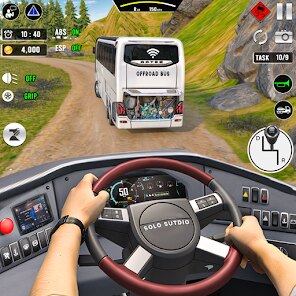
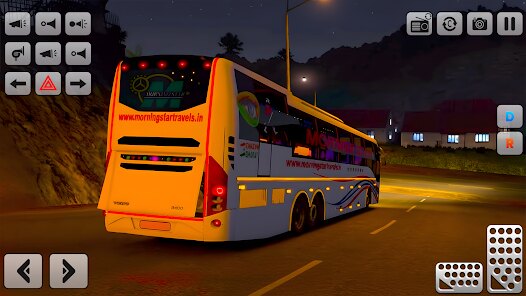
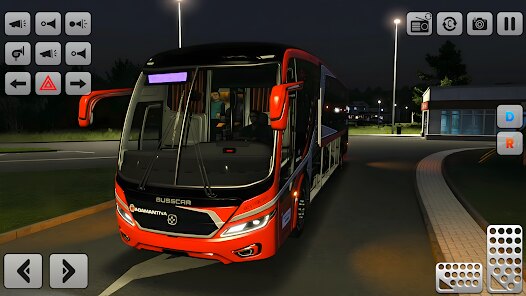
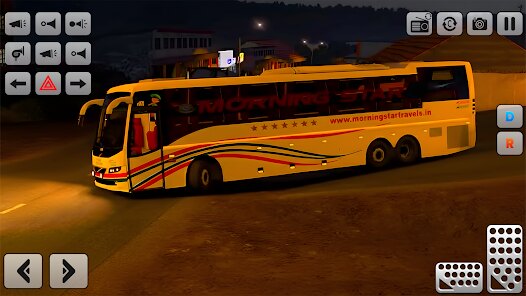
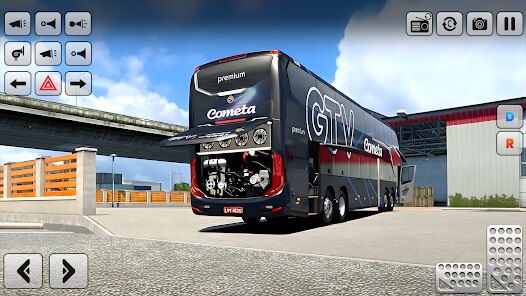
The game's presentation is a mixed bag. The visual art is functional, with recognizable city blocks and bus models, but it lacks the polish and detail found in premium simulations. The sound design follows a similar utilitarian path; the engine hums and door hisses are present, though they can feel repetitive over time. There is no deep narrative or storyline here—your role is simply to drive, pick up passengers, and follow the route. This simplicity is both its greatest strength and a potential weakness for players seeking more depth. The core gameplay loop of navigating traffic, managing stops, and staying on schedule is implemented competently and can be quite relaxing. A special technique for mastering the game involves learning to anticipate traffic light patterns and using the camera angles effectively to navigate tight corners, which is crucial for maintaining a good on-time record.
Real Bus Simulator delivers exactly what its name promises: a no-frills bus driving experience. It succeeds as a casual time-passer, offering a zen-like rhythm for players who enjoy methodical tasks. However, it is held back by its relatively basic graphics, occasionally clunky vehicle physics, and a lack of meaningful progression or varied objectives that could elevate the experience. It's a competent simulator for the genre's enthusiasts on mobile, but it doesn't strive to break new ground or offer the immersion of its more sophisticated counterparts.
How to play?
🚌 Step 1: Starting Your Shift. Begin by selecting a 'Free Ride' or 'Career' mode from the main menu. For new players, 'Free Ride' is recommended to learn the controls without pressure. Choose your bus and your starting depot.
🗺️ Step 2: Understanding Your Route. Before departing, glance at your mini-map. Your route will be highlighted. Note the location of bus stops (usually marked as 'P' icons) and your final destination. Your primary objective is to reach stops to pick up waiting passengers.
🎮 Step 3: Mastering Basic Controls. Use the on-screen steering wheel or tilt controls to drive. The right side of the screen typically has buttons for accelerator, brake, and handbrake. Familiarize yourself with these; smooth driving is key to passenger satisfaction.
🚦 Step 4: Executing a Stop. As you approach a bus stop, slow down and pull over close to the curb. Press the 'Door Open' button to let passengers board. Wait for the 'Door Close' prompt before driving off. Keep an eye on your route indicator to not miss stops.
⏱️ Step 5: Managing Time and Traffic. Your run is timed. While you don't need to rush recklessly, try to maintain a steady pace to stay on schedule. Learn to anticipate traffic lights and use your indicators (turn signals) when changing lanes to avoid collisions that will hurt your score.
👁️ Step 6: Using Camera Angles. Tap the camera icon to switch views. An external chase camera is great for general driving, but switch to a first-person cabin view or a roof-top view when navigating tight turns or parking precisely at stops for better accuracy.
🏁 Step 7: Completing the Job. Drive to the final destination terminal. Park accurately within the marked zone, open and close your doors one final time to let passengers disembark, and your run will be complete. Review your earnings and performance stats, then get ready for the next route!
Download the App
Online Games








Disclaimer
1 . Mycolorgames does not represent any developer, nor is it the developer of any App or game.
2 . Mycolorgames provide screenshots, historical version Apk, links and other information, which we collected from Google Play. We will also add our own reviews to provide users with more information to choose.
3 . All trademarks, registered trademarks, product names and company names or logos appearing on the site are the property of their respective owners.
4 . Mycolorgames abides by the federal Digital Millennium Copyright Act (DMCA) by responding to notices of alleged infringement that complies with the DMCA and other applicable laws.
5 . We guarantee the security of apk files downloaded from our site and also provide the official download link at Google Play Store and App Store.
6 . If you are the owner or copyright representative and want to delete your information, please contact us [email protected].
7 . All the information on this website is strictly observed all the terms and conditions of Google Ads Advertising policies and Google Unwanted Software policy.